
Local Agent Discovery for A2A
An open protocol for discovering A2A-capable agents on local networks.
The Problem
When a device joins a network—hotel Wi-Fi, office LAN, cruise ship, hospital campus—how does the user's AI assistant discover and connect to local agents?
- A2A defines agent-to-agent communication
- MCP defines agent-to-tool integration
- LAD-A2A defines agent discovery
The Solution
LAD-A2A provides:
- Zero-Configuration Discovery via mDNS/DNS-SD (
_lad-a2a._tcp) and well-known endpoints - An honest trust model that separates channel authentication (TLS) from identity verification (domain/JWS/DID), because on a hostile network TLS to an attacker-chosen host proves nothing about identity — see the Trust Model
- Explicit user consent, keyed to a verified identity, before any first contact
- Ecosystem Alignment that hands off to standard A2A once discovery completes
How It Fits
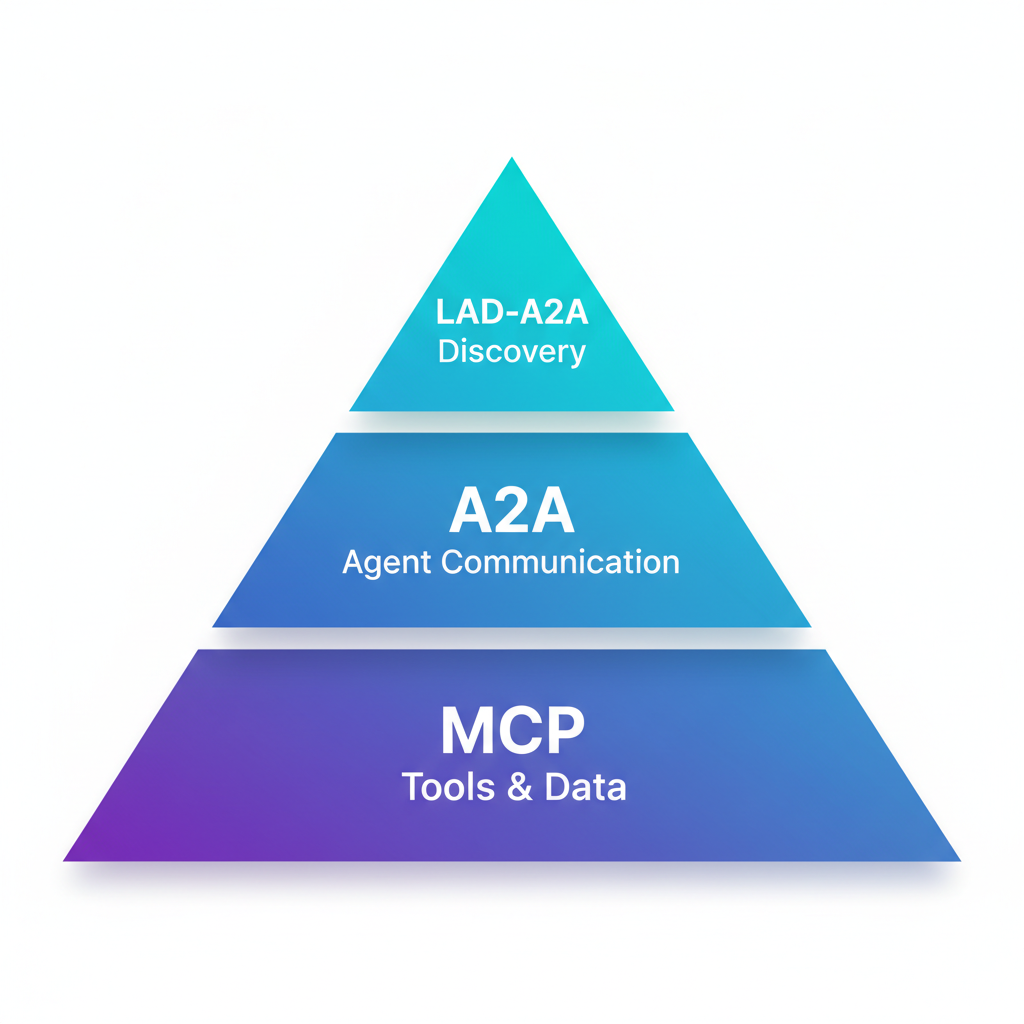
| Protocol | Role |
|---|---|
| LAD-A2A | Discovery & Trust Bootstrap |
| A2A | Agent-to-Agent Communication |
| MCP | Agent-to-Tools/Data |
LAD-A2A is the first handshake. It answers "who's here?" so that A2A can answer "what can you do?"
See It In Action
Real mDNS discovery → LAD-A2A protocol → A2A JSON-RPC communication
Quick Start
Interactive Demo (Recommended)
Experience LAD-A2A with a fully working demo featuring two AI agents:
Open http://localhost:8000 to see:
- Real mDNS discovery (
_a2a._tcp.local) - LAD-A2A protocol in action
- A2A JSON-RPC 2.0 communication
- LLM-based query routing
Run Locally
cd reference
pip install -e .

# Start a discovery server (development only)
python -m server.lad_server --name "My Agent" --port 8080

# Discover agents. --no-verify-tls opts into plaintext for local dev; without it
# the client refuses non-https URLs (a discovery failure), which is the correct
# production behavior.
python -m client.lad_client --url http://localhost:8080 --no-verify-tls
TLS Required in Production
The example above uses HTTP for local development only. In production, all endpoints MUST use TLS 1.2+ and a non-https URL is a discovery failure, per the security requirements and the Trust Model.
Use Cases
| Environment | Example |
|---|---|
| Hotels | "What's the spa schedule?" |
| Cruise Ships | "Where's tonight's show?" |
| Offices | "Book conference room 4B" |
| Hospitals | "Navigate to radiology" |
| Stadiums | "Find my seat" |
| Smart Cities | "Next bus to downtown?" |