
Local Agent Discovery for A2A
An open protocol for discovering A2A-capable agents on local networks.
The Problem
When a device joins a network—hotel Wi-Fi, office LAN, cruise ship, hospital campus—how does the user's AI assistant discover and connect to local agents?
- A2A defines agent-to-agent communication
- MCP defines agent-to-tool integration
- LAD-A2A defines agent discovery
The Solution
LAD-A2A provides:
- Zero-Configuration Discovery via mDNS/DNS-SD, well-known endpoints, or DHCP
- Defense in Depth with TLS, signed AgentCards, DIDs, and user consent
- Graceful Degradation from consumer Wi-Fi to enterprise networks
- Ecosystem Alignment that hands off to standard A2A once discovery completes
How It Fits
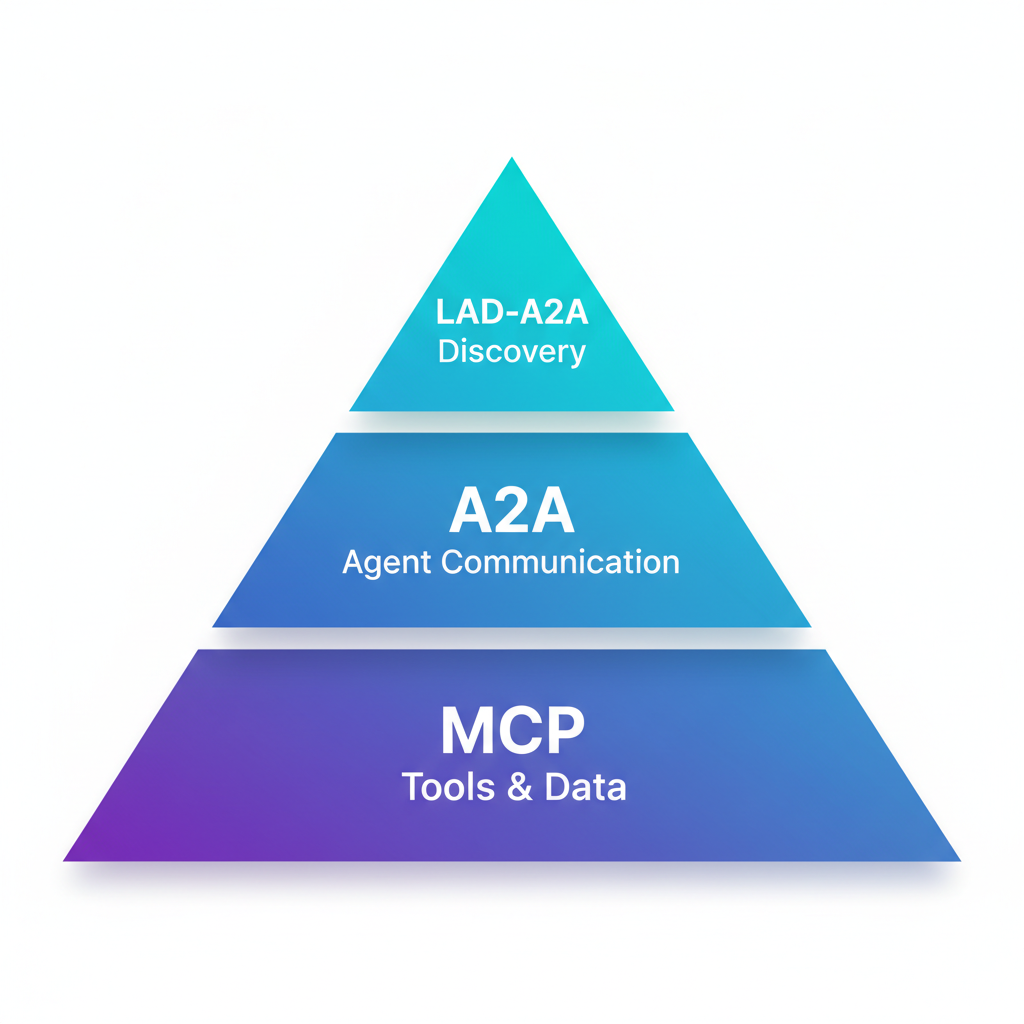
| Protocol | Role |
|---|---|
| LAD-A2A | Discovery & Trust Bootstrap |
| A2A | Agent-to-Agent Communication |
| MCP | Agent-to-Tools/Data |
LAD-A2A is the first handshake. It answers "who's here?" so that A2A can answer "what can you do?"
See It In Action
Real mDNS discovery → LAD-A2A protocol → A2A JSON-RPC communication
Quick Start
Interactive Demo (Recommended)
Experience LAD-A2A with a fully working demo featuring two AI agents:
Open http://localhost:8000 to see:
- Real mDNS discovery (
_a2a._tcp.local) - LAD-A2A protocol in action
- A2A JSON-RPC 2.0 communication
- LLM-based query routing
Run Locally
cd reference
pip install -e .

# Start a discovery server (development only)
python -m server.lad_server --name "My Agent" --port 8080

# Discover agents
python -m client.lad_client --url http://localhost:8080
TLS Required in Production
The example above uses HTTP for local development only. In production, all endpoints MUST use TLS 1.2+ per the security requirements.
Use Cases
| Environment | Example |
|---|---|
| Hotels | "What's the spa schedule?" |
| Cruise Ships | "Where's tonight's show?" |
| Offices | "Book conference room 4B" |
| Hospitals | "Navigate to radiology" |
| Stadiums | "Find my seat" |
| Smart Cities | "Next bus to downtown?" |